Your library
Every summary is saved on your Mac and listed in the sidebar, newest first. Opening one again costs nothing.
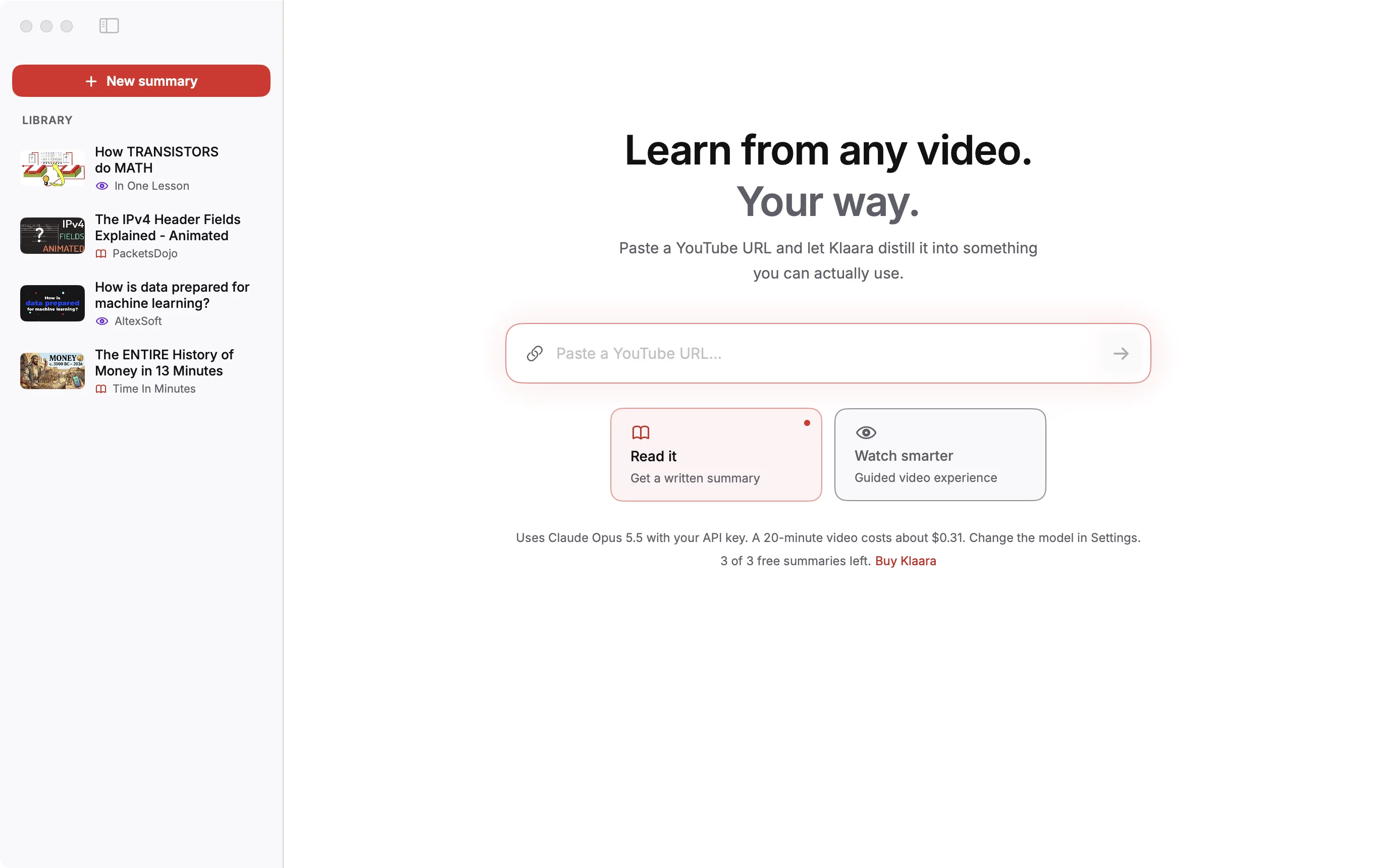
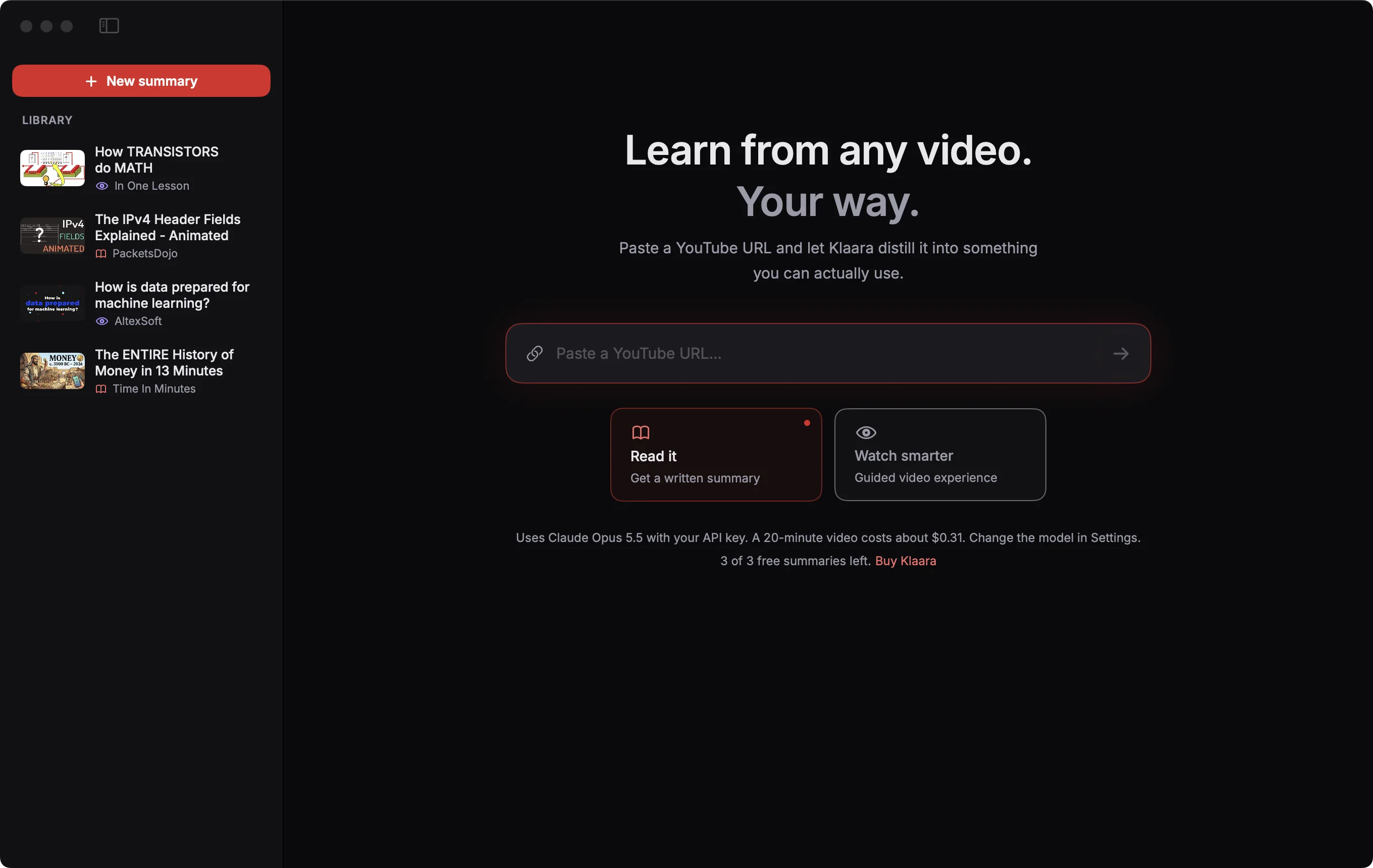
Right-click a video in the sidebar to open it on YouTube, copy it as Markdown, or delete it. Deleting permanently removes the summary and your notes. You can make it again from the same video, which costs another AI call.
Where the files are
Each summary is one JSON file in ~/Library/Application Support/Klaara/results. There is no Klaara server and no cloud copy. To back up your library or move it to another Mac, copy that folder.
Search it from Claude Code
Klaara can give Claude Code read-only access to your summaries, notes and transcripts. How to set it up.
Videos in the screenshots: The ENTIRE History of Money in 13 Minutes by Time In Minutes, The IPv4 Header Fields Explained - Animated by PacketsDojo, How TRANSISTORS do MATH by In One Lesson, How is data prepared for machine learning? by AltexSoft, licensed under CC BY. Thumbnails and frames are from those videos, scaled; the text is written by Klaara. The creators are not affiliated with Klaara and don't endorse it.
Klaara for Mac
Klaara is a Mac app that turns YouTube videos into summaries with chapters, using your own AI API key. It costs €19 once. 3 free summaries first.
Download for Mac