License, free summaries and Macs
Your first 3 summaries are free. After that, Klaara costs €19 once, for up to 3 Macs, with all updates included.
Free summaries run on us with Claude Sonnet 5.5, so you don't need an API key until you buy. They're counted per Mac, so reinstalling Klaara doesn't reset them, and deleting a summary doesn't give one back.
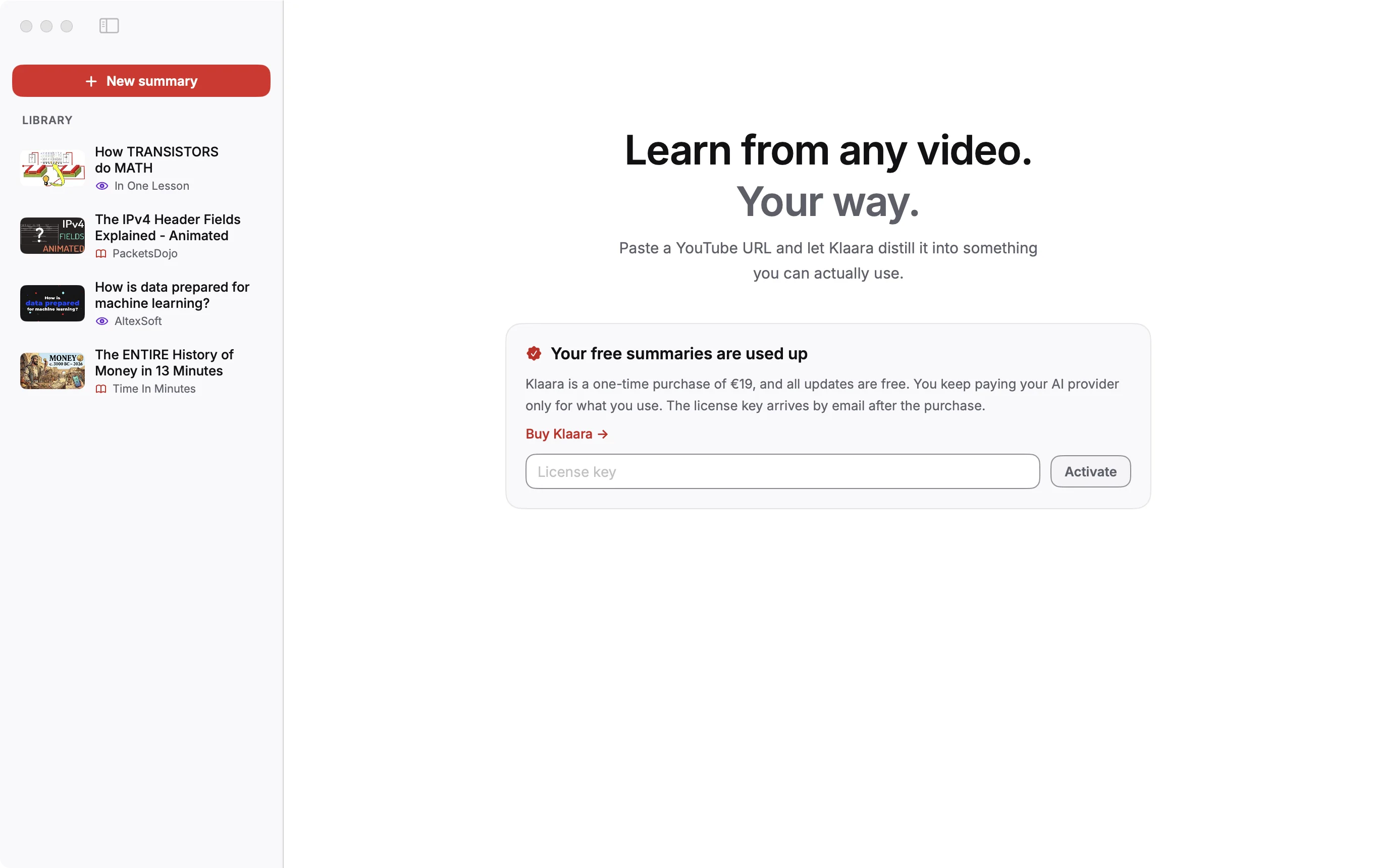
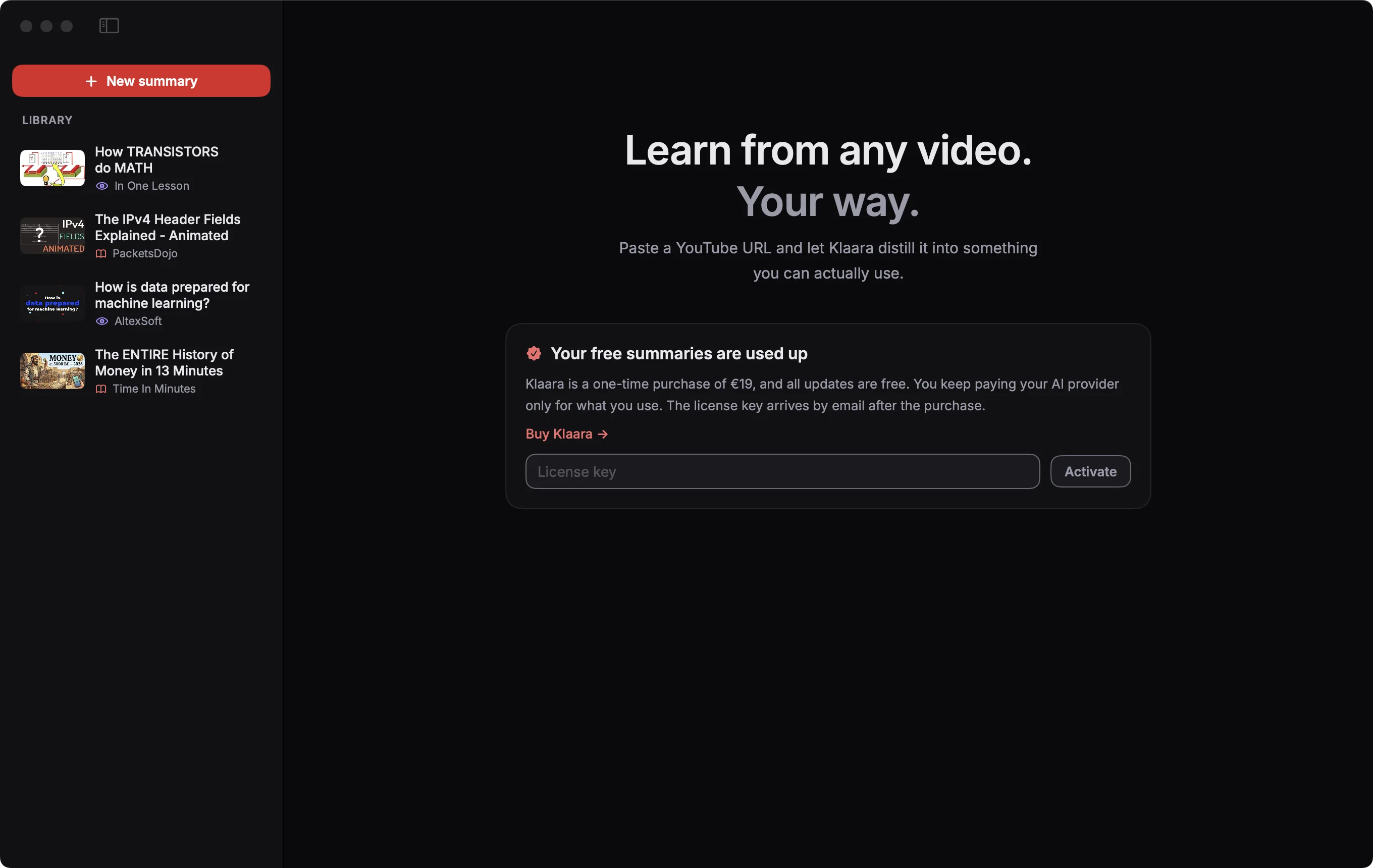
Activate your license
- Buy Klaara. The license key arrives by email.
- Paste the key on the card above, or in Settings (⌘,), General, License.
- Click Activate.
Move to another Mac
Open Settings, General, License and click Deactivate on the old Mac. Then activate the same key on the new one. Activating and deactivating need an internet connection. Those are the only times your license key is sent to Lemon Squeezy, which handles the sale.
Videos in the screenshots: The ENTIRE History of Money in 13 Minutes by Time In Minutes, The IPv4 Header Fields Explained - Animated by PacketsDojo, How TRANSISTORS do MATH by In One Lesson, How is data prepared for machine learning? by AltexSoft, licensed under CC BY. Thumbnails and frames are from those videos, scaled; the text is written by Klaara. The creators are not affiliated with Klaara and don't endorse it.
Klaara for Mac
Klaara is a Mac app that turns YouTube videos into summaries with chapters, using your own AI API key. It costs €19 once. 3 free summaries first.
Download for MacRelated
When something goes wrong
What each error message means and what to do about it.
Install Klaara
What you need, how to install the app, and what stays on your Mac if you remove it.
Add your API key and pick a model
Which providers work, where to get a key, how Klaara stores it, and how to change the model.