When something goes wrong
When a summary fails, Klaara shows the reason with Try again and Remove buttons. Nothing is saved. A video that fails before the writing starts, for example because it has no captions, doesn't use up a free summary.
Errors from YouTube
| Message | What to do |
|---|---|
| This video has no captions | Klaara can't summarize it. Pick another video. |
| This video is private, removed, members-only or blocked in your country | Klaara can only read videos your connection can reach without an account. |
| This video is age-restricted | YouTube only shows these to signed-in viewers, so Klaara can't read them. |
| YouTube is limiting requests from your network | Wait a few minutes and click Try again. |
| YouTube took too long to answer | Click Try again. |
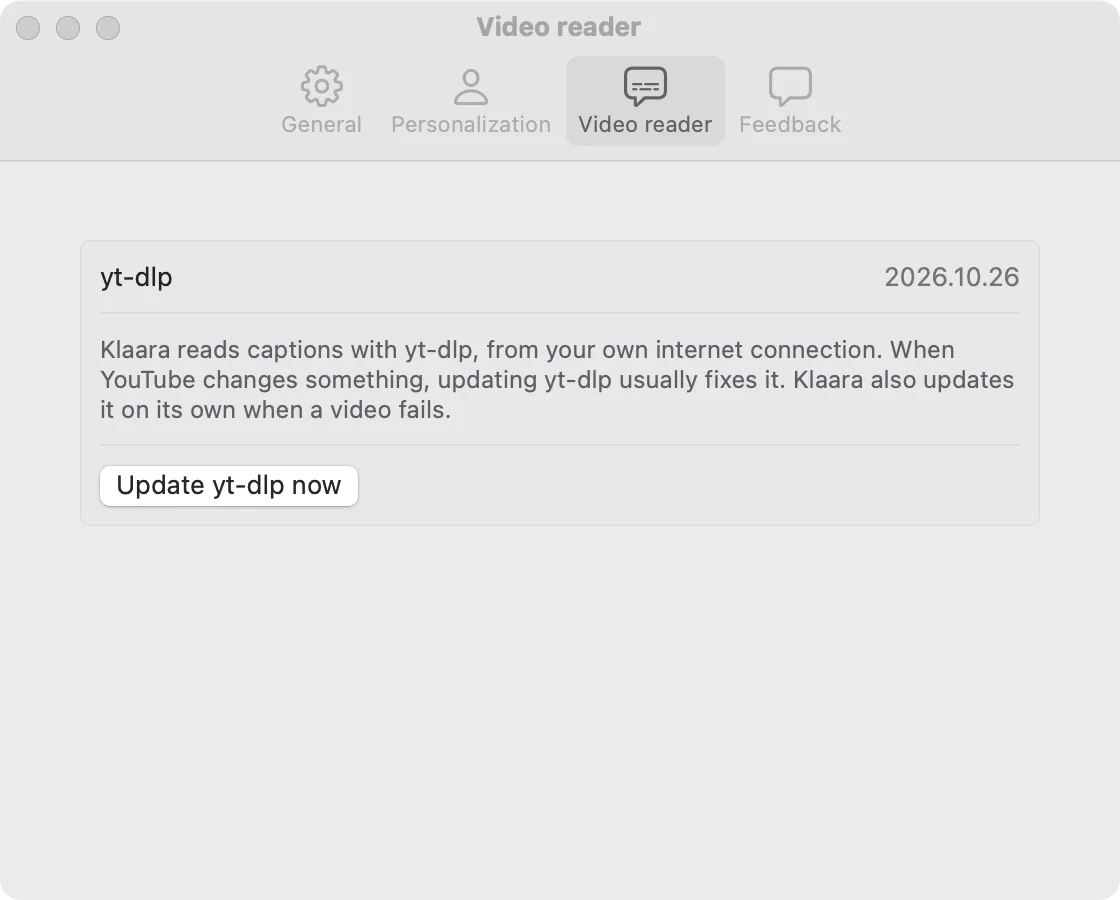
| Reading the video failed | Update yt-dlp (below), then click Try again. |
Update yt-dlp
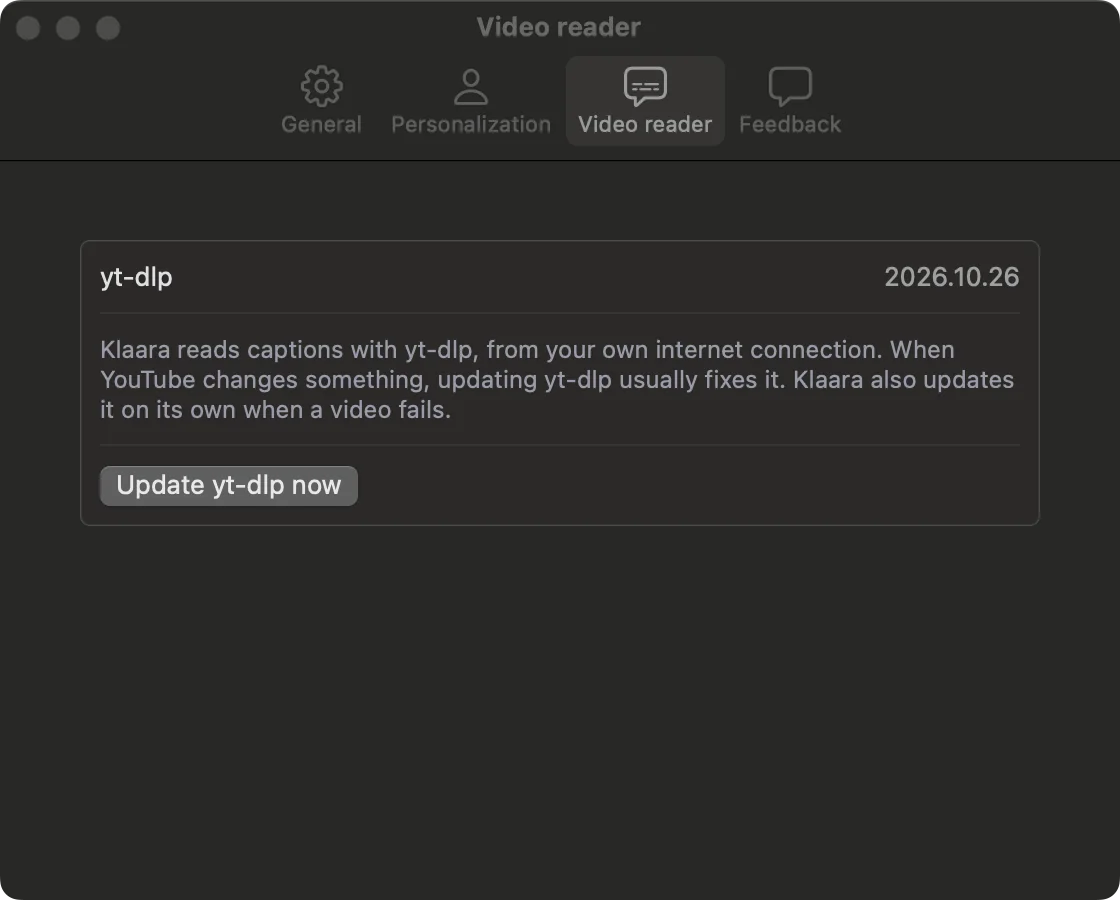
Klaara reads captions with yt-dlp and updates it on its own when a video fails. To do it by hand, open Settings (⌘,), Video reader, and click Update yt-dlp now.
Errors from your AI provider
| Message | What to do |
|---|---|
| Your AI provider rejected the API key | Create a new key and add it again in Settings, General. |
| This API key may not use the selected model | Pick another model in Settings, or check your plan with the provider. |
| Rate-limited or overloaded | Try again in a minute. If it keeps happening, check that your provider account has credit. |
| The answer was cut off | Try again, or pick a different model. |
| The AI declined to analyze this video | Try a different model. |
| Could not reach your AI provider | Check your internet connection and try again. |
Tell us about it
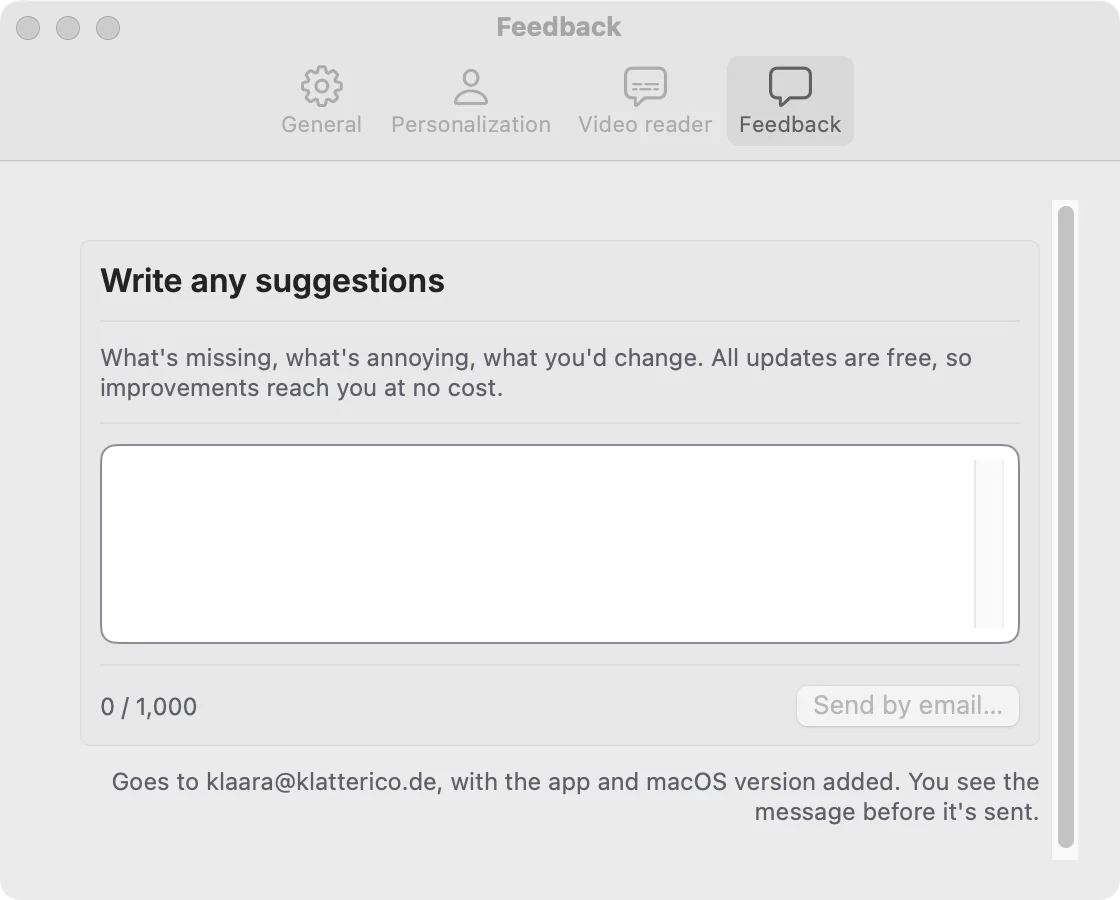
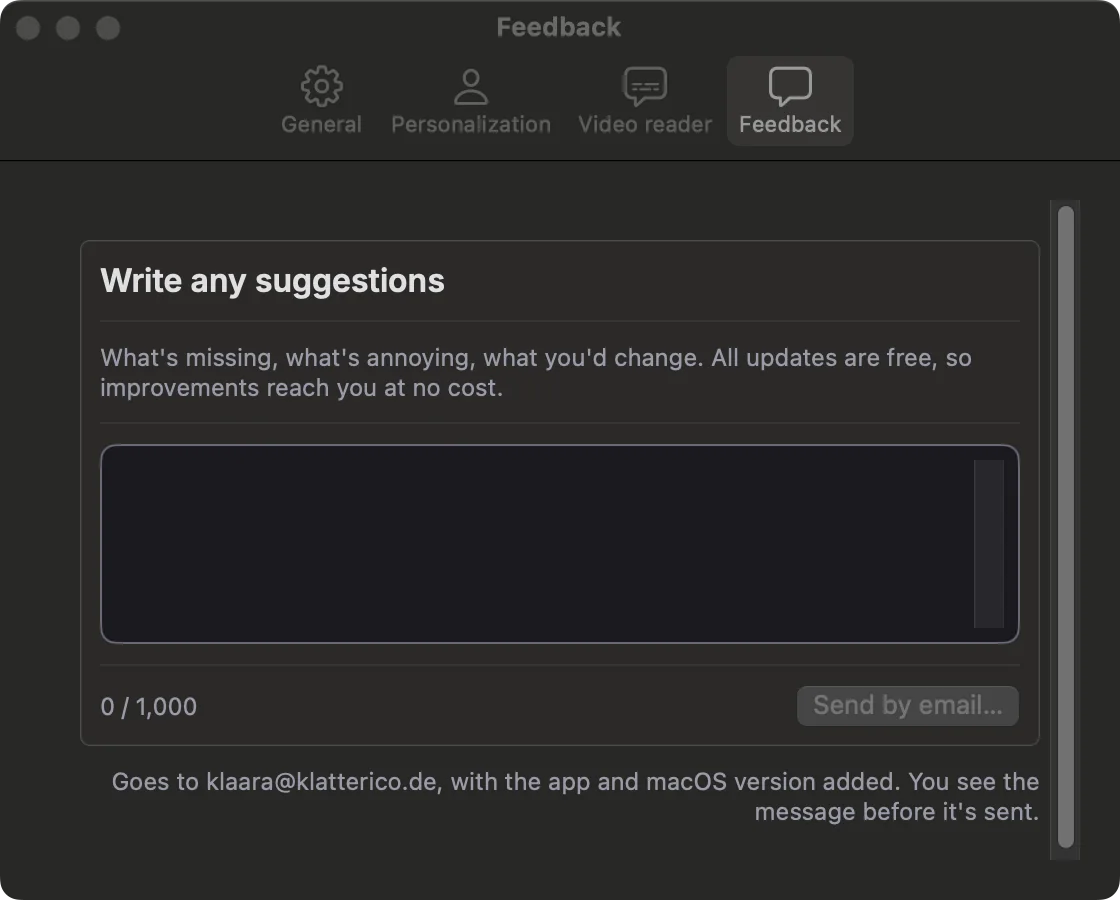
Open Settings, Feedback, write what happened and click Send by email. Your mail app opens with the message, the app version and your macOS version, and you see it all before it's sent. Or write to klaara@klatterico.de.
If we ask for the log, choose Help, Show Log File in the menu bar. It opens the file in Finder.
Klaara for Mac
Klaara is a Mac app that turns YouTube videos into summaries with chapters, using your own AI API key. It costs €19 once. 3 free summaries first.
Download for MacRelated
Install Klaara
What you need, how to install the app, and what stays on your Mac if you remove it.
Add your API key and pick a model
Which providers work, where to get a key, how Klaara stores it, and how to change the model.
Make your first summary
Paste a link, choose Read or Watch, and what happens while Klaara works.