Make your first summary
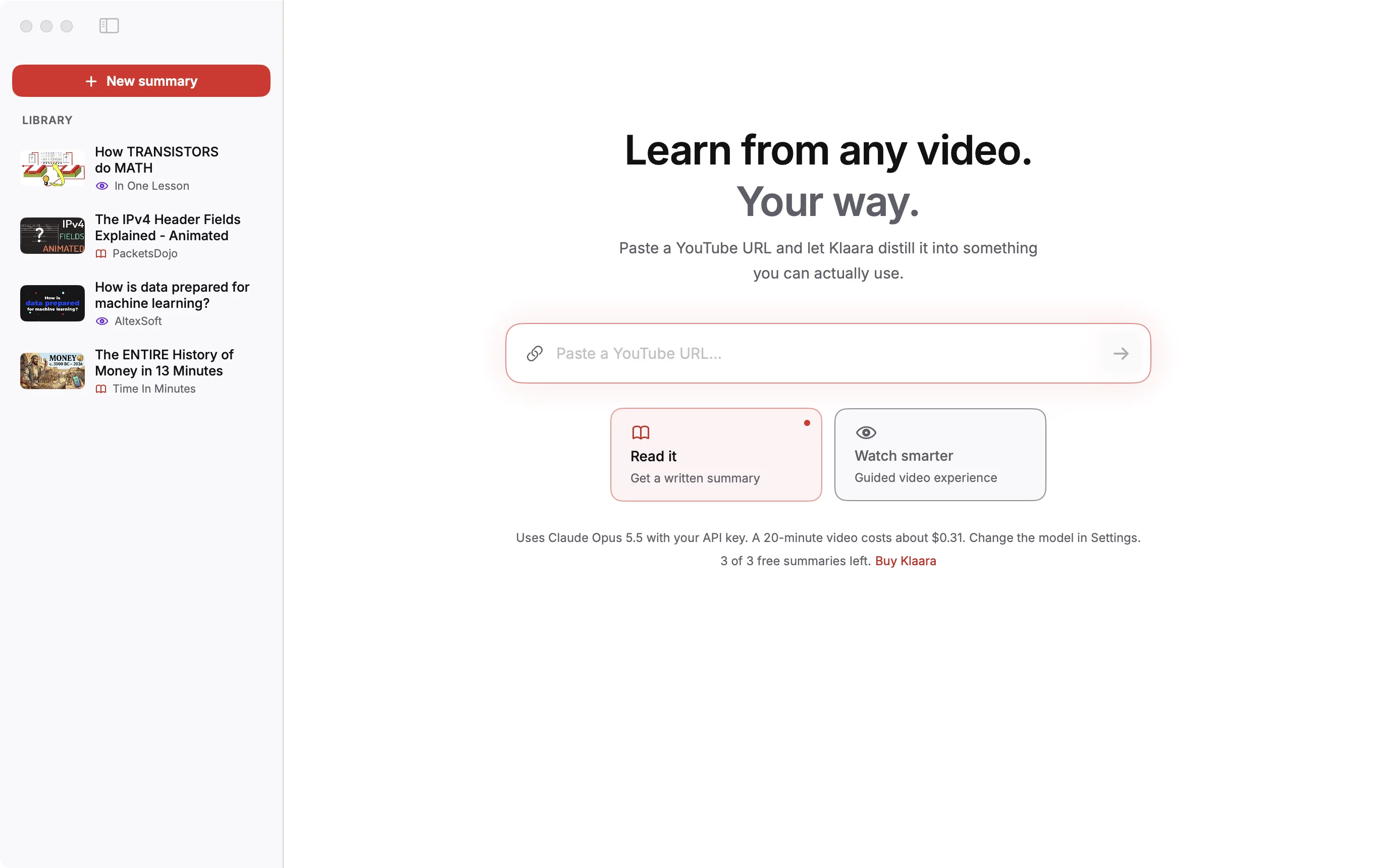
Paste a YouTube link and press Return. It usually takes one to two minutes, and the result is saved in your library.
- Click New summary (⌘N). If your clipboard holds a YouTube link, it's already filled in.
- Choose Read it for a written summary, or Watch smarter for a guided video.
- Press Return or click the arrow.
While it works
Klaara shows each step: reading the video, downloading captions, finding chapters and key points, writing the summary, and collecting concepts, examples and facts. You can start other videos in the meantime, or click Cancel.
Your choice only decides which view opens first. Every summary has both, and you can switch between Read and Watch at the top of the result.
Which videos work
Any public video with captions, including YouTube's automatic ones. A video with no captions can't be summarized. See when something goes wrong.
Videos in the screenshots: The ENTIRE History of Money in 13 Minutes by Time In Minutes, The IPv4 Header Fields Explained - Animated by PacketsDojo, How TRANSISTORS do MATH by In One Lesson, How is data prepared for machine learning? by AltexSoft, licensed under CC BY. Thumbnails and frames are from those videos, scaled; the text is written by Klaara. The creators are not affiliated with Klaara and don't endorse it.
Klaara for Mac
Klaara is a Mac app that turns YouTube videos into summaries with chapters, using your own AI API key. It costs €19 once. 3 free summaries first.
Download for Mac