Watch mode
Watch mode plays the video inside Klaara, with a guide beside it that tells you what's coming and lets you jump there.


- Seek bar: each dot marks a moment, colored by type. Click one to jump there.
- Moments: the list follows along as the video plays. Click a moment to jump to it, or click its bookmark icon to save it.
- Notes: type in the field under the video and click Add. The note is saved with the current time, and it appears in the Notes tab.
Below the player
Cards collect what the video contains, such as key concepts, steps, key terms, examples and fact checks. Which cards you get depends on the video. Items with a timestamp jump the player to that point.
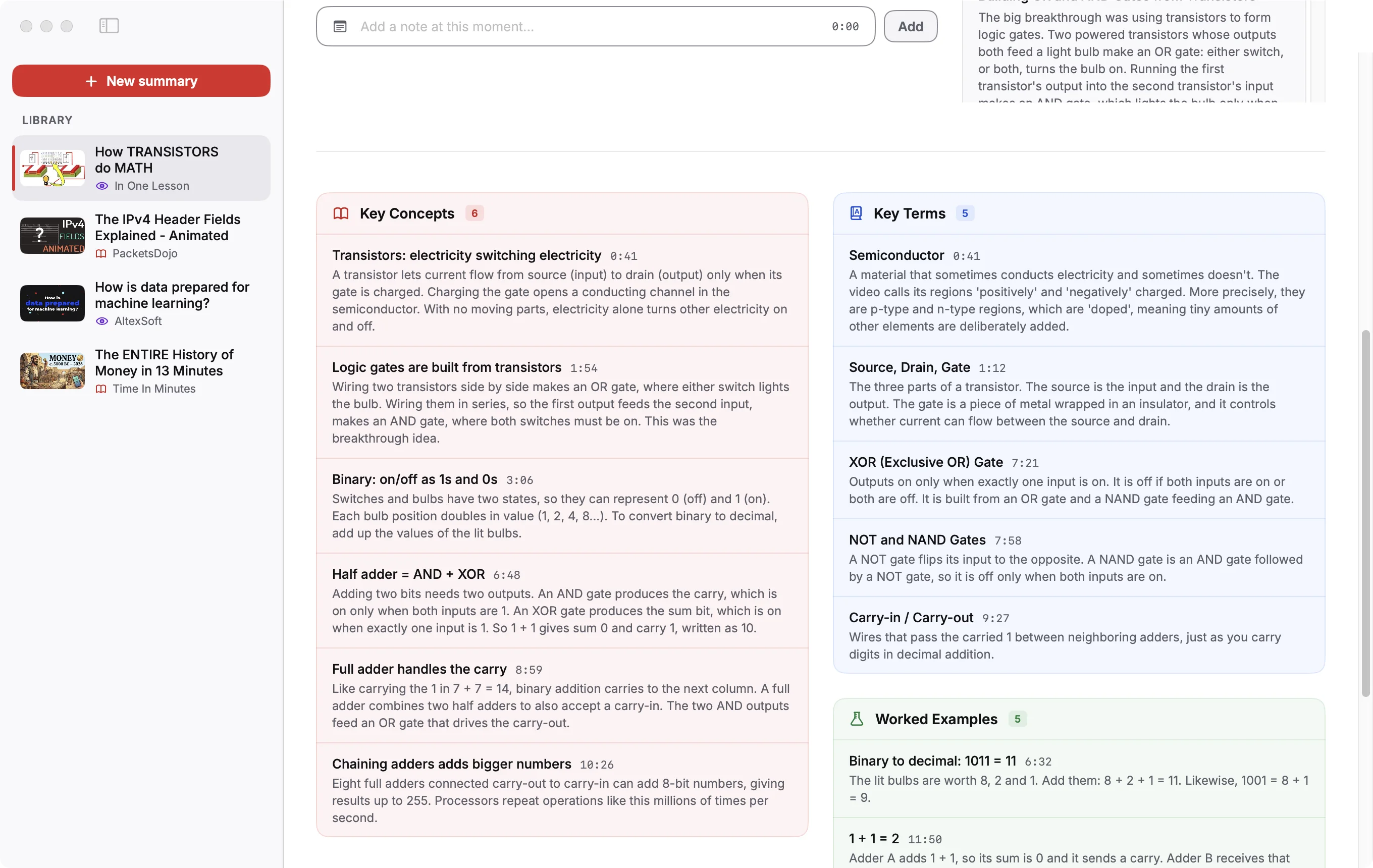
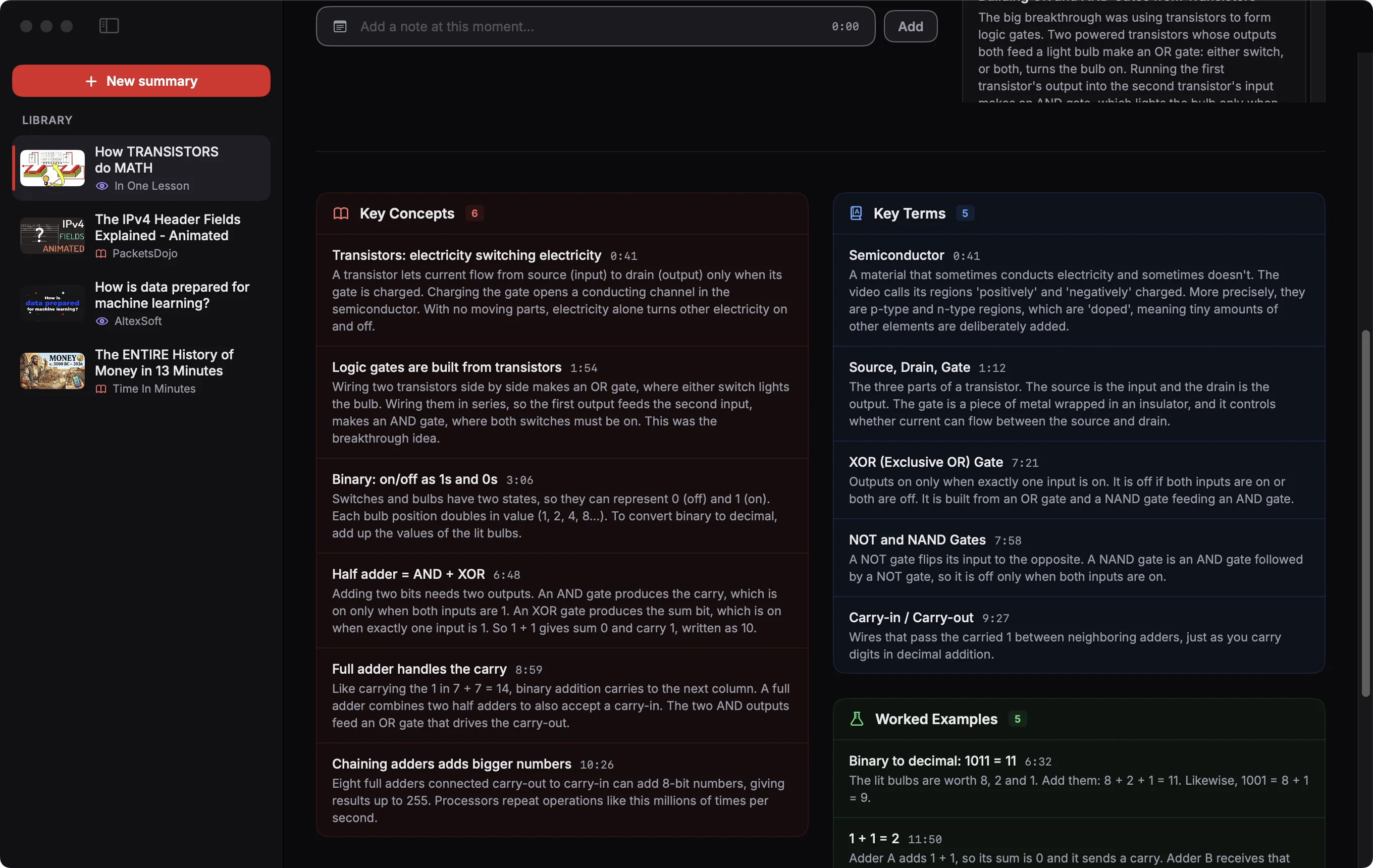
Fact checks carry a confidence label. Items marked AI were added by the model and were not said in the video.
If YouTube refuses to play a video inside the app, you get a Watch on YouTube button in place of the player.
Videos in the screenshots: The ENTIRE History of Money in 13 Minutes by Time In Minutes, The IPv4 Header Fields Explained - Animated by PacketsDojo, How TRANSISTORS do MATH by In One Lesson, How is data prepared for machine learning? by AltexSoft, licensed under CC BY. Thumbnails and frames are from those videos, scaled; the text is written by Klaara. The creators are not affiliated with Klaara and don't endorse it.
Klaara for Mac
Klaara is a Mac app that turns YouTube videos into summaries with chapters, using your own AI API key. It costs €19 once. 3 free summaries first.
Download for MacRelated
Personalize your summaries
Set your role, expertise, focus, length and language so summaries are written for you.
Your library
Where summaries are saved, how to copy or delete them, and how to search them from Claude Code.
License, free summaries and Macs
How the free summaries work, how to activate a license, and how to move it to another Mac.