Personalize your summaries
Open Settings (⌘,), then Personalization. The same video reads differently for a beginner and an expert. Changes apply to new summaries, and existing ones stay as they are.
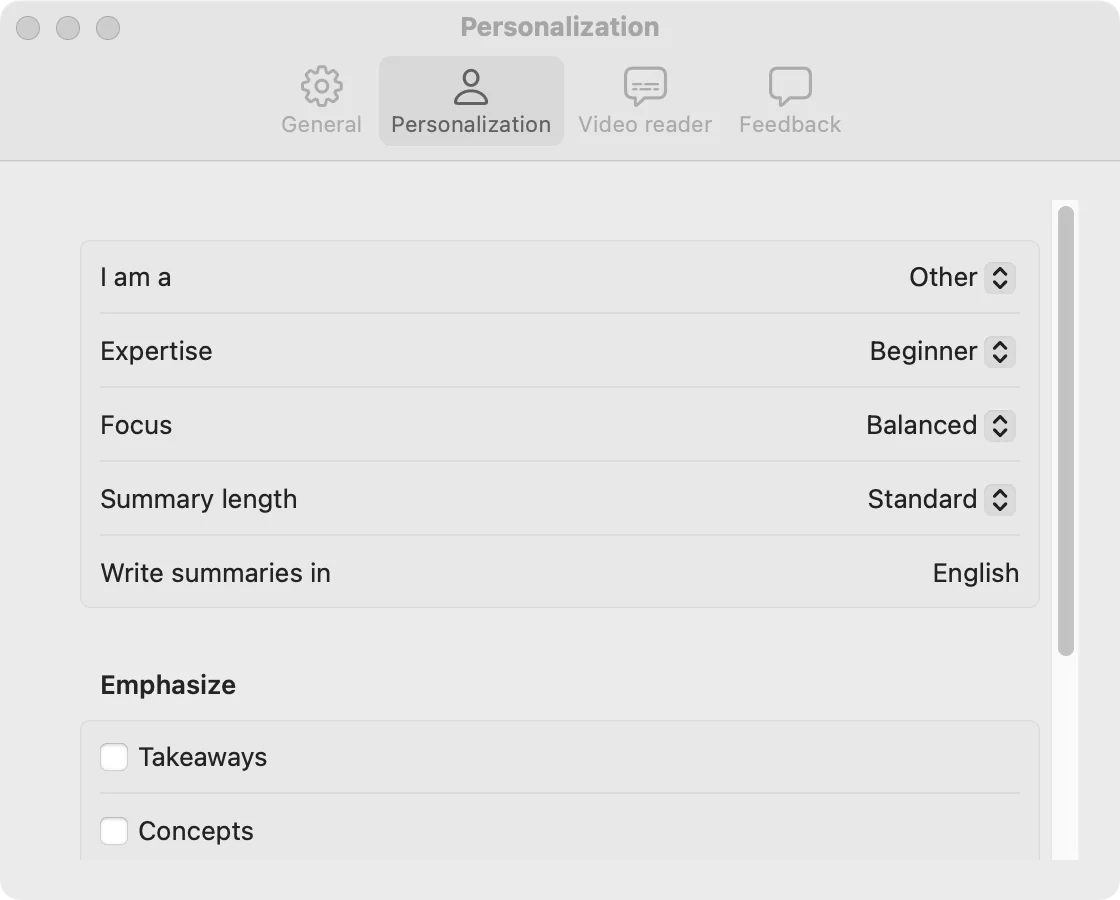
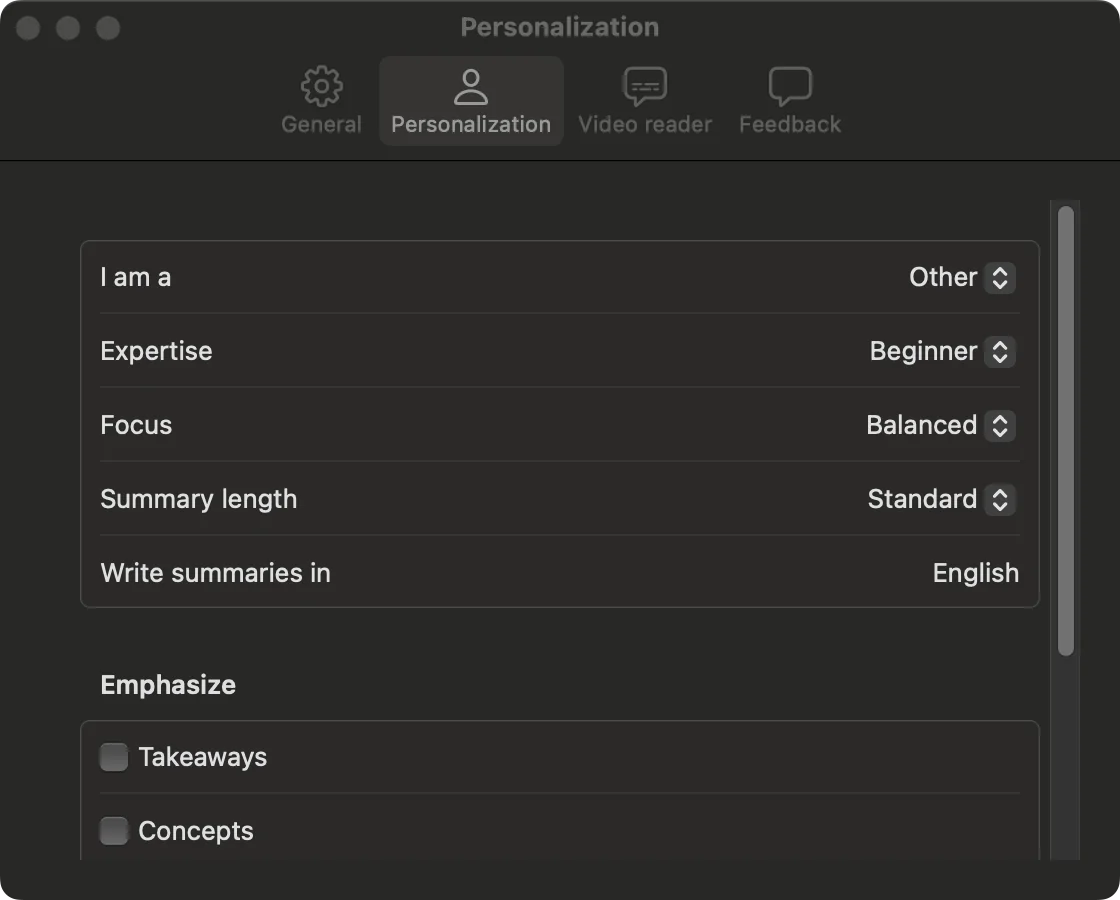
| Setting | Options |
|---|---|
| I am a | Student, Researcher, Engineer, Creator, Other |
| Expertise | Beginner, Practitioner, Expert |
| Focus | Practical, Conceptual, Balanced |
| Summary length | Brief, Standard, Detailed |
| Write summaries in | Any language you type, whatever language the video is in |
| Emphasize | Takeaways, Concepts, Examples, Debates |
Klaara for Mac
Klaara is a Mac app that turns YouTube videos into summaries with chapters, using your own AI API key. It costs €19 once. 3 free summaries first.
Download for MacRelated
Your library
Where summaries are saved, how to copy or delete them, and how to search them from Claude Code.
License, free summaries and Macs
How the free summaries work, how to activate a license, and how to move it to another Mac.
When something goes wrong
What each error message means and what to do about it.