Read mode
Read mode turns a video into an article you can skim from top to bottom.
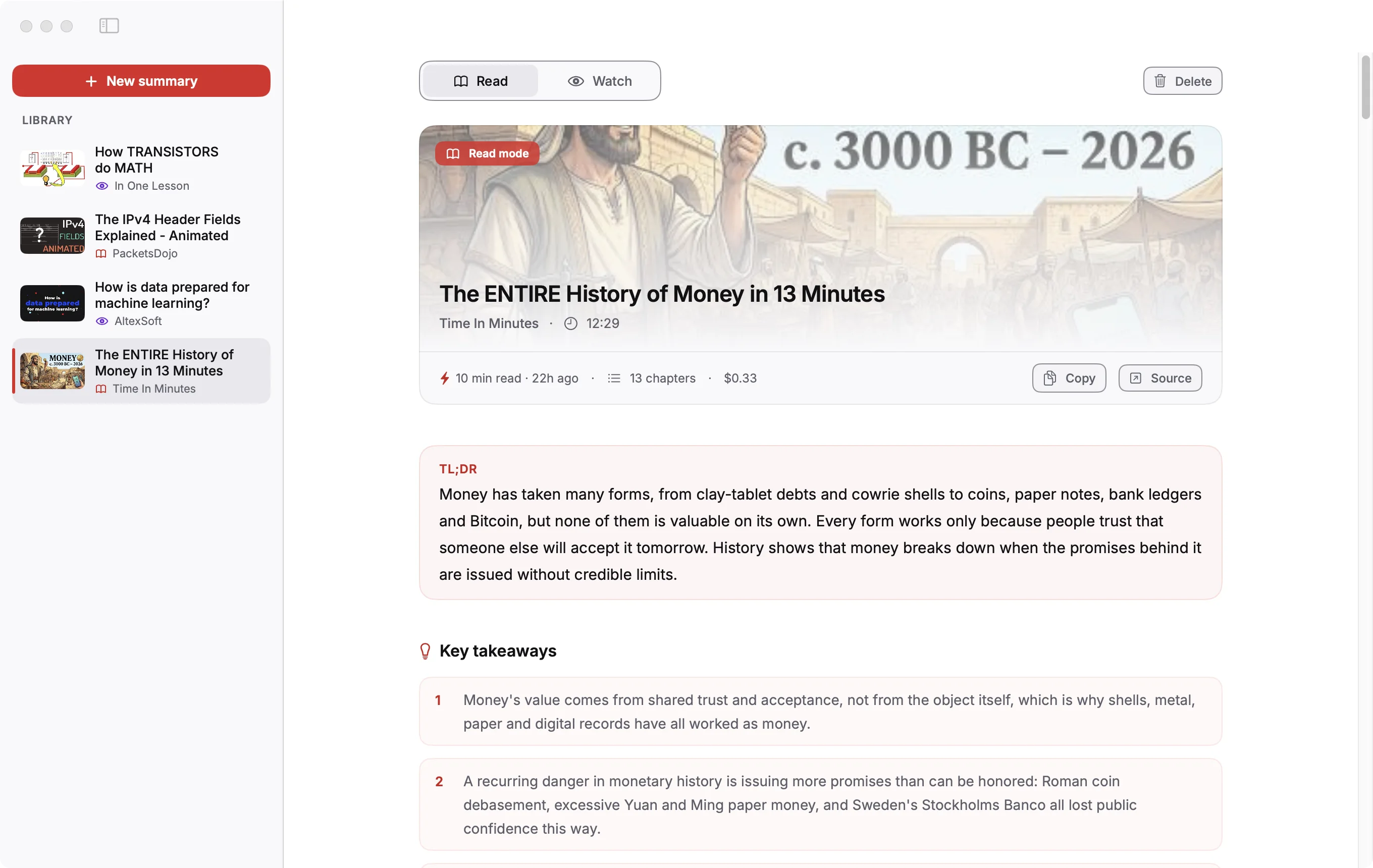
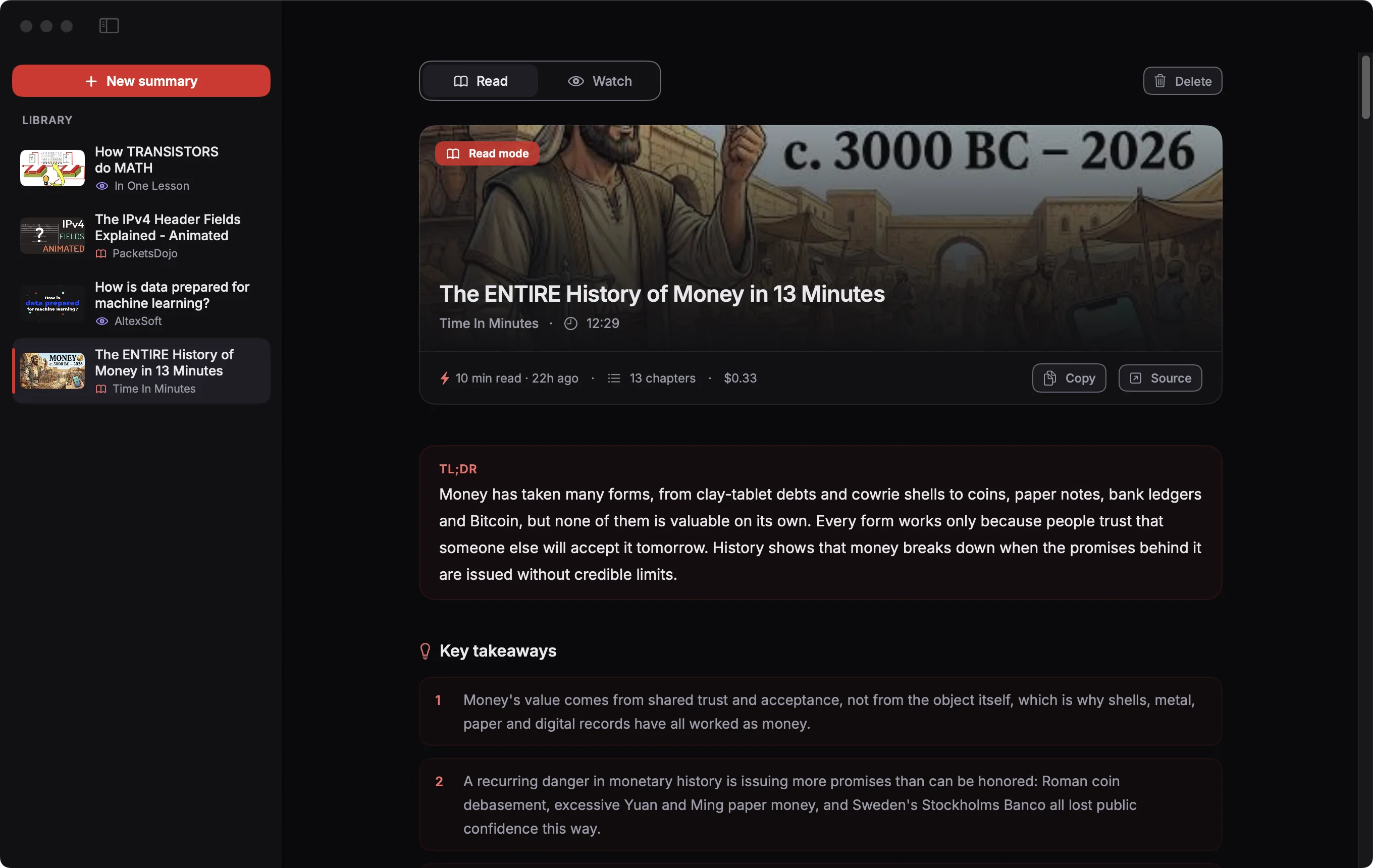
- The bar under the video title shows the reading time, the number of chapters and what this summary cost you (an estimate).
- Copy puts the whole summary on your clipboard as Markdown.
- Source opens the video on YouTube.
- TL;DR, Key takeaways and Fun facts come first, so you can stop there if that's enough.
Chapters
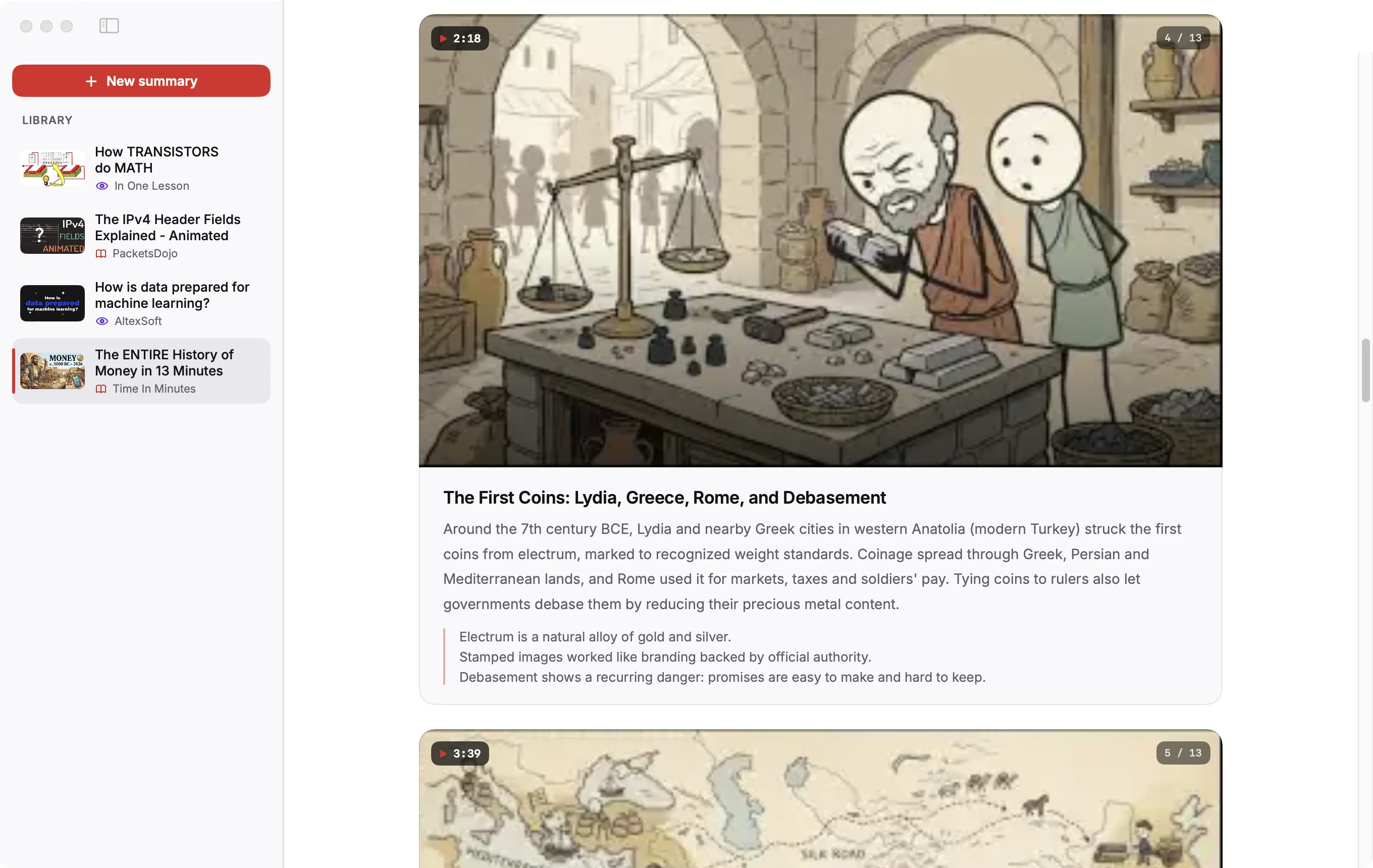
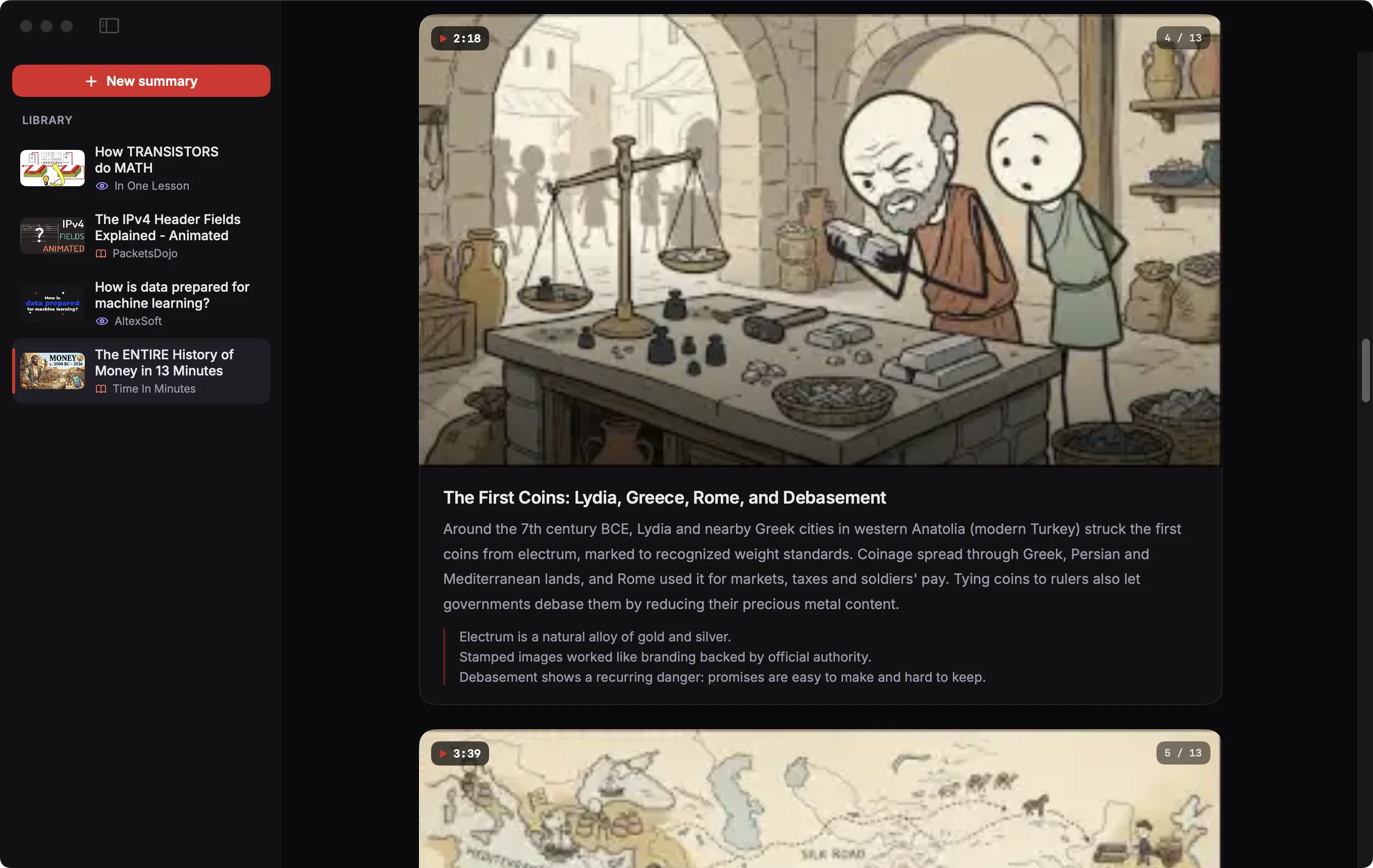
Each chapter has frames from the video, a summary and up to three key points. Move the pointer over the frame to step through the chapter's frames. Click the timestamp to play the video from that moment on YouTube.
Transcript
At the end of the page, open Transcript to see every caption line. Each timestamp links to that moment on YouTube.
Videos in the screenshots: The ENTIRE History of Money in 13 Minutes by Time In Minutes, The IPv4 Header Fields Explained - Animated by PacketsDojo, How TRANSISTORS do MATH by In One Lesson, How is data prepared for machine learning? by AltexSoft, licensed under CC BY. Thumbnails and frames are from those videos, scaled; the text is written by Klaara. The creators are not affiliated with Klaara and don't endorse it.
Klaara for Mac
Klaara is a Mac app that turns YouTube videos into summaries with chapters, using your own AI API key. It costs €19 once. 3 free summaries first.
Download for MacRelated
Watch mode
The player, the seek bar, moments, notes, bookmarks and the concept cards.
Personalize your summaries
Set your role, expertise, focus, length and language so summaries are written for you.
Your library
Where summaries are saved, how to copy or delete them, and how to search them from Claude Code.