Add your API key and pick a model
After your free summaries, Klaara uses your own key from Anthropic, OpenAI, xAI or Google, so your provider bills you directly and Klaara adds nothing on top. The key stays in your Mac's Keychain.
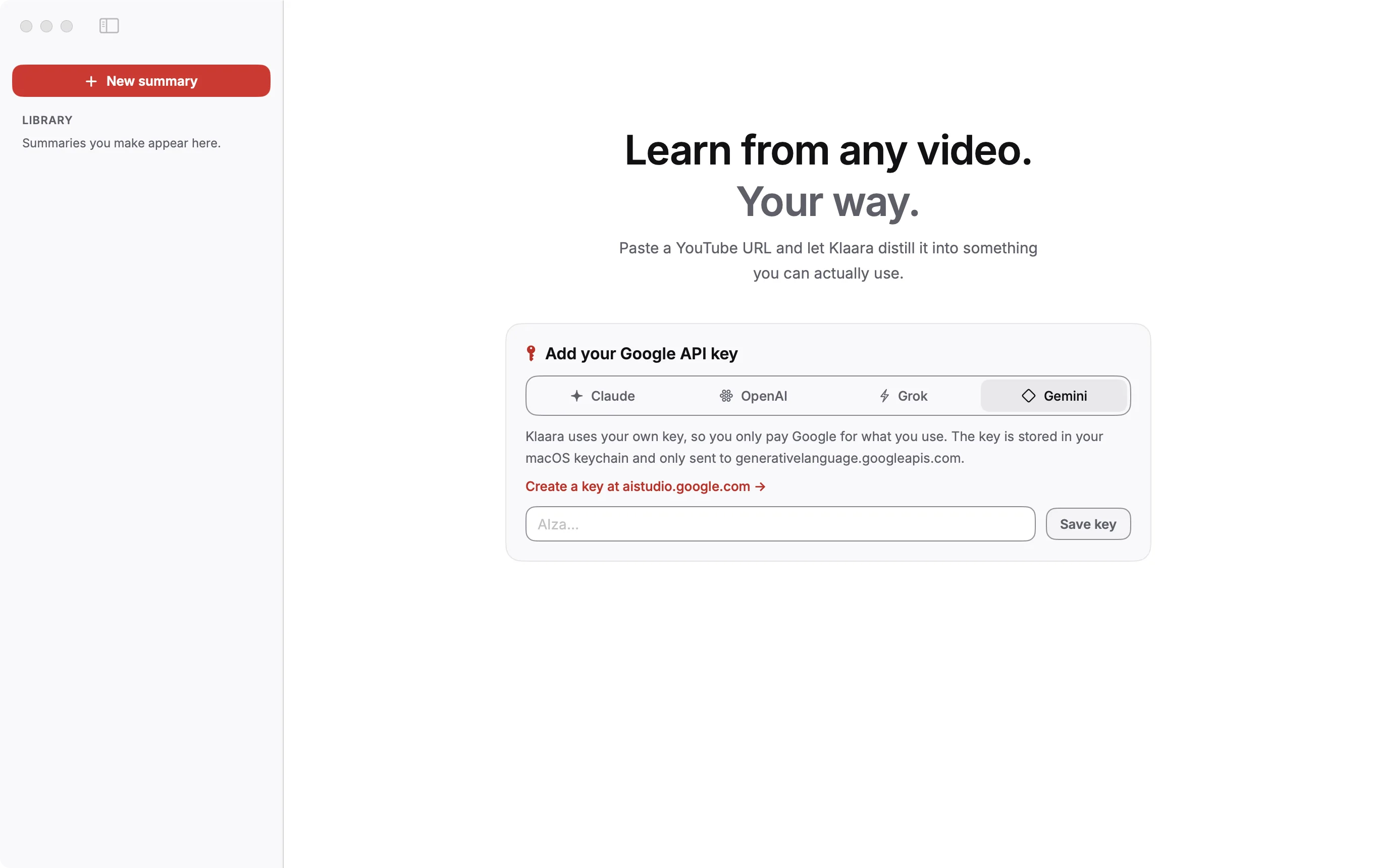
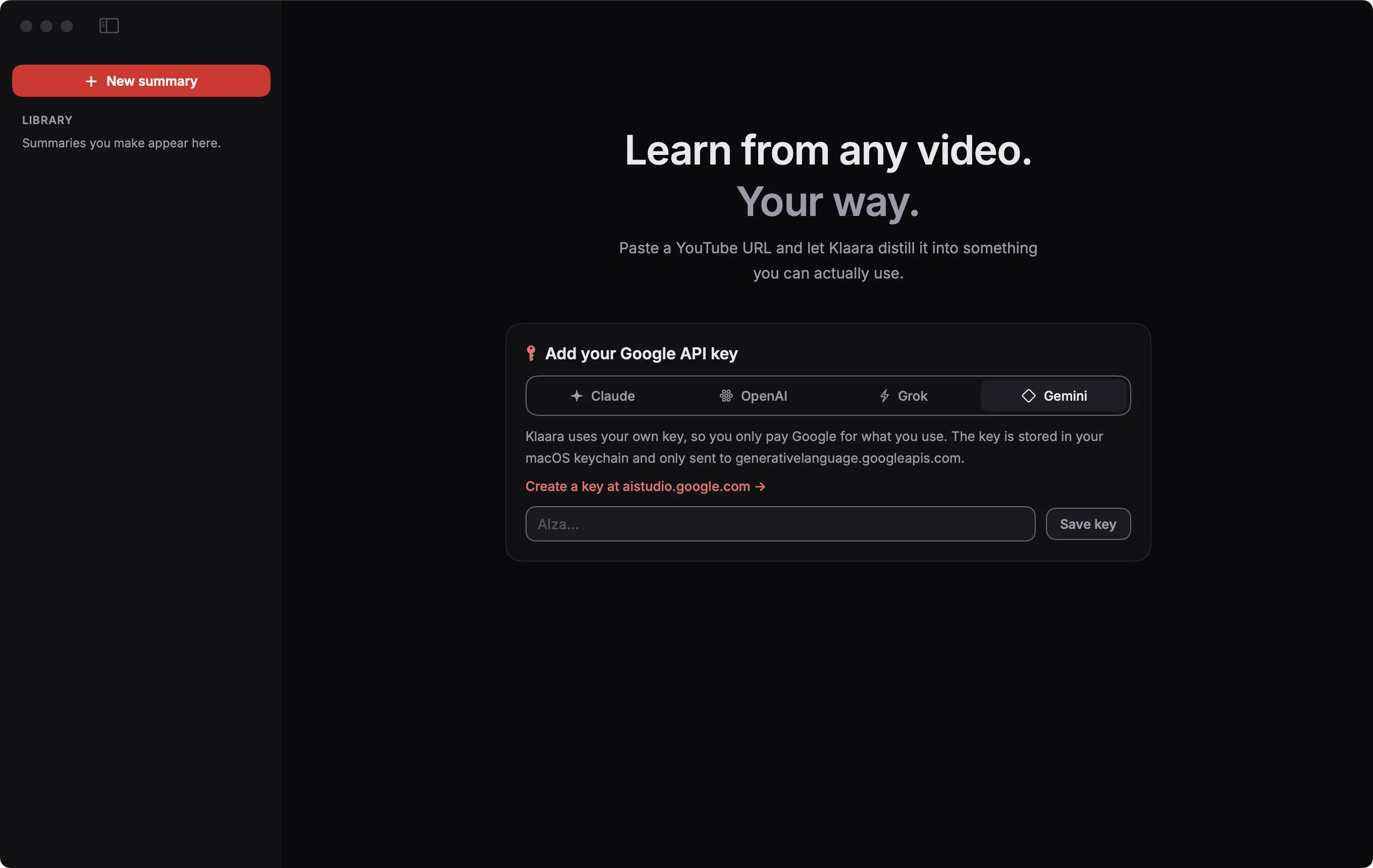
- Pick your provider on the card: Claude, OpenAI, Grok or Gemini.
- Click the Create a key link and create one on the provider's site. Step-by-step for Claude.
- Paste it and click Save key.
Klaara checks the key with one request before saving it. If the provider rejects it, you see the reason on the card.
Where each key goes
A key is only ever sent to its own provider.
| Provider | Get a key | Sent only to |
|---|---|---|
| Anthropic (Claude) | platform.claude.com | api.anthropic.com |
| OpenAI | platform.openai.com | api.openai.com |
| xAI (Grok) | console.x.ai | api.x.ai |
| Google (Gemini) | aistudio.google.com | generativelanguage.googleapis.com |
Change the model
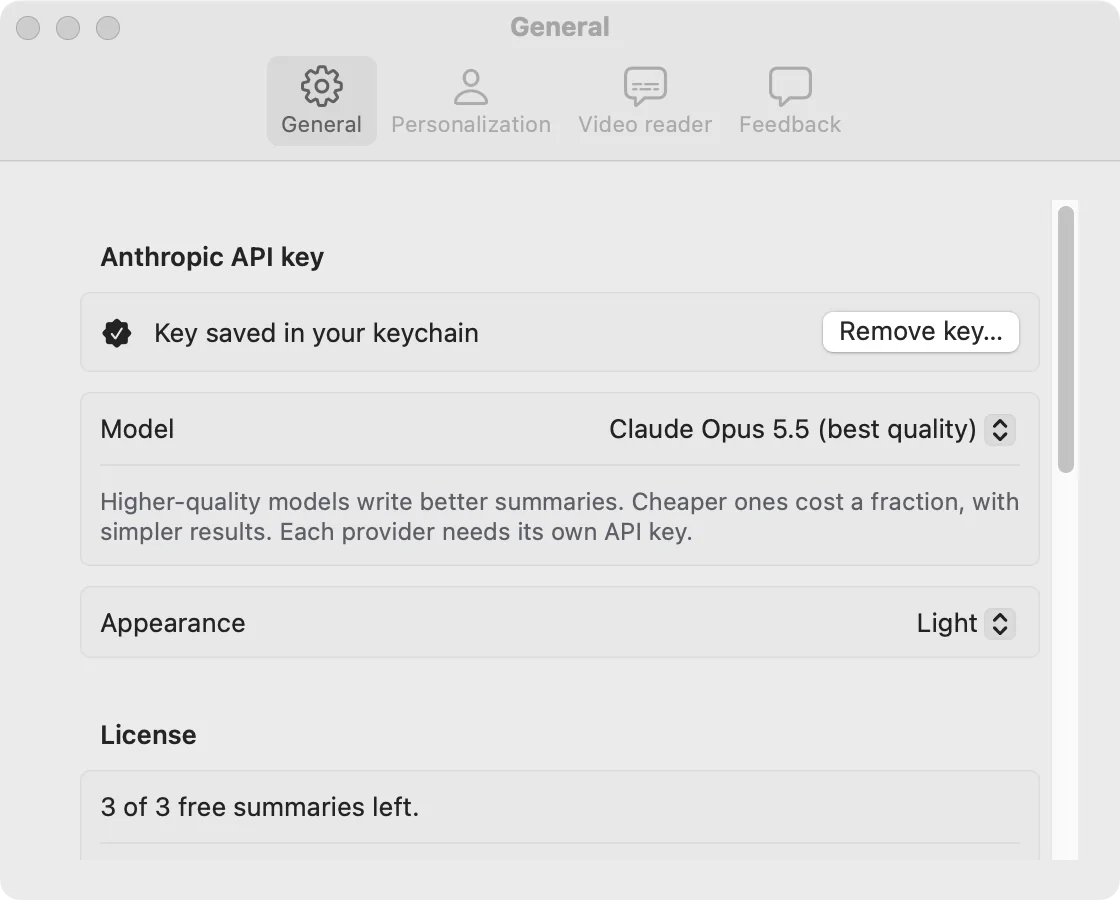
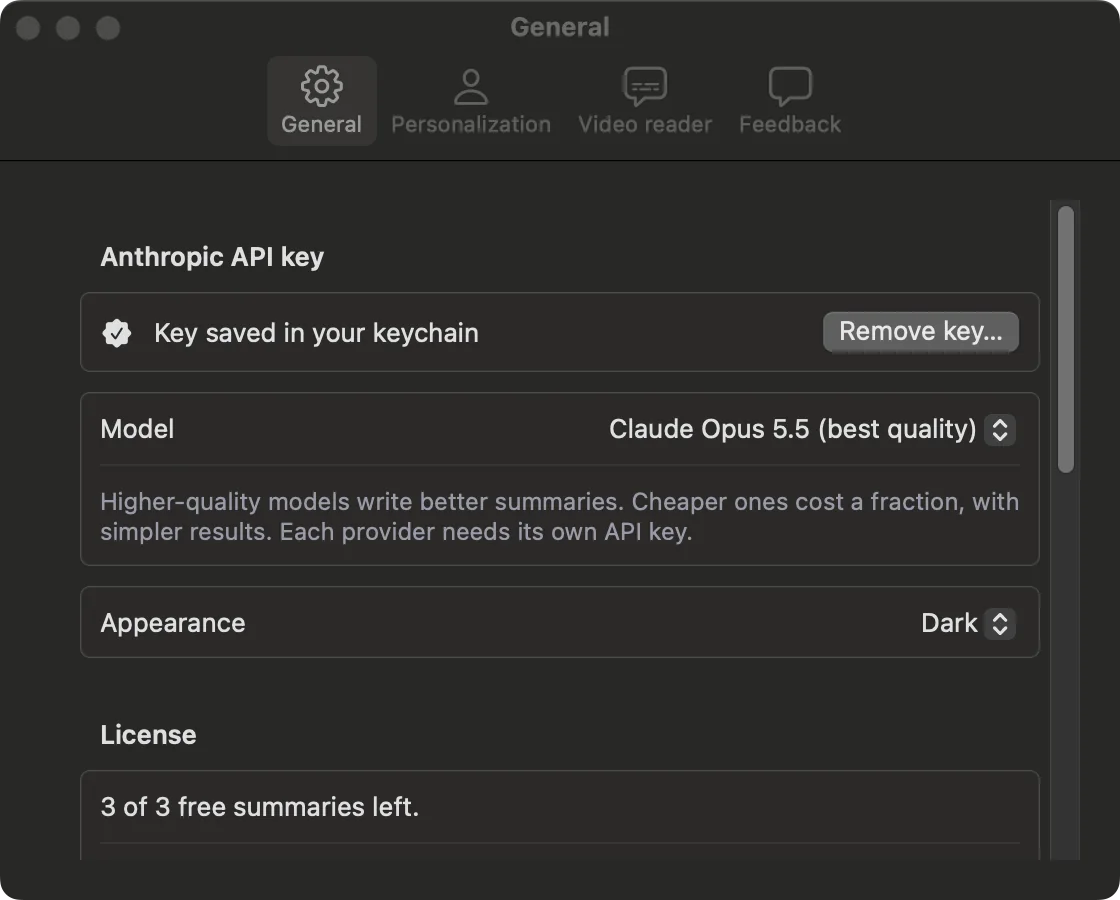
Open Settings (⌘,), then General, then Model. Better models write better summaries and cost more. The New summary screen always shows what a 20-minute video costs on the model you picked. Measured costs.
Each provider needs its own key. If you pick a model from a provider you have no key for, the key card appears right there.
If macOS asks for your password
macOS can ask for your login password when Klaara reads the key from the Keychain. That prompt comes from macOS, and Klaara never sees the password. Choose Always Allow so it doesn't ask again. Klaara reads the key at most once each time it runs, when you start a summary.
Klaara for Mac
Klaara is a Mac app that turns YouTube videos into summaries with chapters, using your own AI API key. It costs €19 once. 3 free summaries first.
Download for Mac